AI voice mouse: Why Your Next Meeting Needs an AI Voice Mouse: A 2026 Procurement Guide for Middle East Corporate Buyers
Why Your Next Meeting Needs an AI Voice Mouse: A 2026 Procurement Guide for Middle East Corporate Buyers
An AI voice mouse is an input device that combines a standard mouse with a microphone and voice-processing software, allowing users to dictate text, issue commands, and automate workflows without typing. For Middle East corporate procurement teams, it offers a practical way to cut documentation time, support multilingual staff, and improve meeting efficiency. This guide explains what to evaluate — from language support to compliance and MOQ — so you can run a low-risk pilot and scale with confidence.
Table of Contents
Table of Contents
Table of Contents
- Short Answer
- Key Takeaways
- Key Facts for Buyers
- What Is an AI Voice Mouse?
- Why Your Next Meeting Needs an AI Voice Mouse
- 7 Checks Before Procurement
- Comparison: Traditional Mouse vs. AI Voice Mouse
- Compliance, Language & Data-Security Considerations
- Common Mistakes & Buyer Red Flags
- Buyer Checklist
- FAQ
- Conclusion
- Next Step
Short Answer
An AI voice mouse lets employees dictate and control software by voice, reducing typing time for reports, emails, and meeting notes. For Middle East corporate buyers, the key evaluation points are language coverage (especially Arabic), software compatibility, data-security terms, and supplier ability to customize firmware and packaging. Piloting 10–50 units before a full rollout is the safest way to validate productivity gains.
Key Takeaways
- An AI voice mouse can cut documentation time for multilingual teams by combining a mouse with speech-to-text and voice commands.
- Arabic and mixed-language dictation quality should be tested on real meeting audio, not marketing demos.
- Procurement decisions should weigh language support, software integration, compliance, and supplier customization options.
- Compliance requirements vary by country and product configuration; verify before purchase orders.
- MOQ often drops after an initial trial order, but buyers should confirm firmware, packaging, and lead time upfront.

Key Facts for Buyers
| Factor | What to Check | Why It Matters |
|---|---|---|
| Language support | Arabic and English dictation accuracy | Region-specific productivity gains |
| Compatibility | Windows, macOS, common meeting apps | Reduces IT support burden |
| Data security | Cloud vs. on-device processing | Aligns with enterprise IT policy |
| Compliance | CE, FCC, RoHS (as applicable) | Customs and legal risk management |
| MOQ & lead time | Trial order quantities and production schedule | Cash flow and rollout planning |
| Customization | Firmware, packaging, corporate logo | Brand consistency and internal adoption |
What Is an AI Voice Mouse?
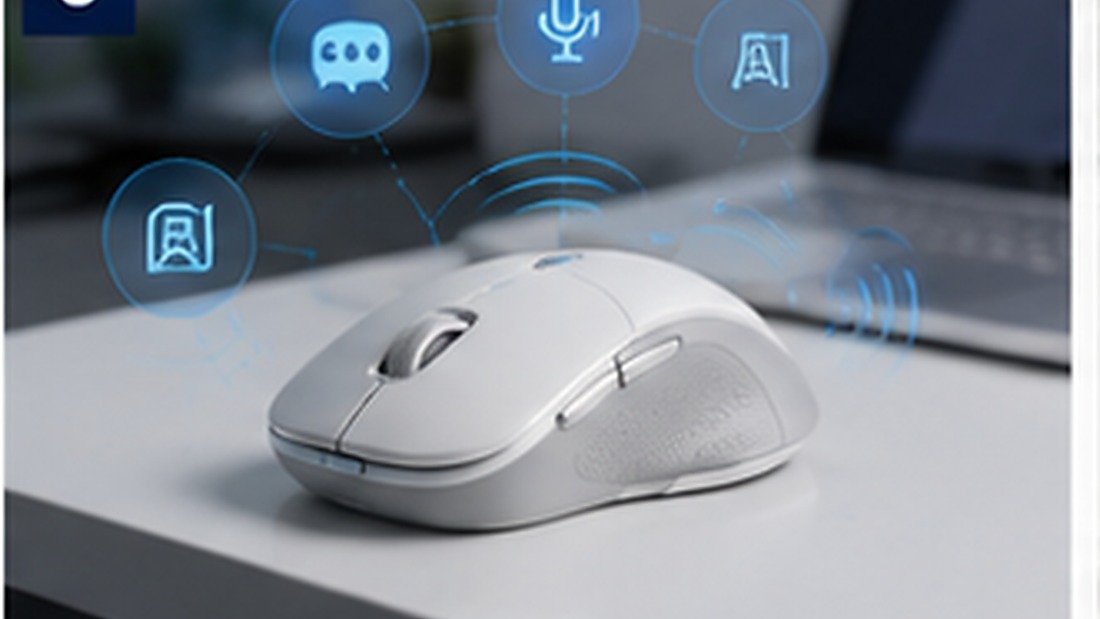
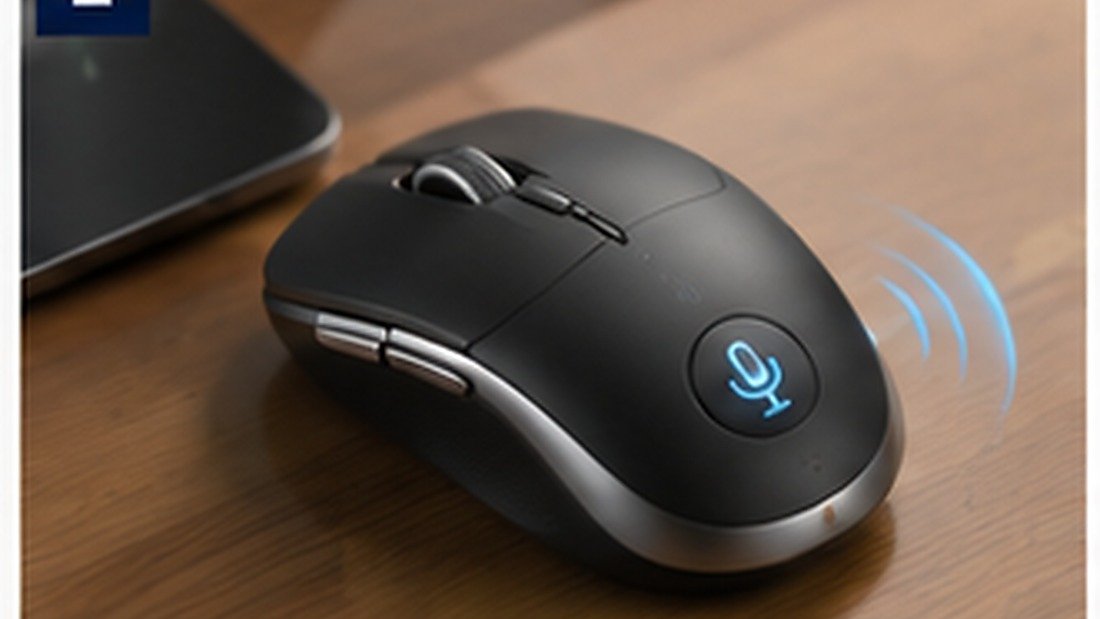
An AI voice mouse is a computer mouse with a built-in microphone (or microphone array) and software that converts spoken words into text or commands. It sits alongside familiar tools like dictation software and virtual assistants, but integrates them into a single input device. Typical functions include voice-to-text typing, voice commands for opening apps or sending emails, and sometimes AI-assisted rewriting or summarization.
For corporate procurement teams, the appeal is straightforward: employees keep a familiar form factor while gaining a faster way to handle repetitive documentation. However, not all AI voice mice are equal. Some rely entirely on cloud processing, while others offer hybrid or on-device processing. The choice affects latency, offline capability, and data-privacy reviews. STAR KING’s AI Voice Mouse is designed as an OEM-ready platform that can be adapted to regional language and packaging needs.
Why Your Next Meeting Needs an AI Voice Mouse
Meetings generate action items, minutes, and follow-up emails. For many teams in the Middle East, these tasks are handled in English, Arabic, or a mix of both. A conventional mouse does nothing to reduce that workload. An AI voice mouse can draft notes, format text, and execute commands, freeing employees for higher-value work.
Consider a typical procurement scenario: a 30-person department spends roughly 5 hours per week per person on documentation. Even a modest 20% reduction translates to 30 hours per week across the team. While results vary by role and workflow, the potential productivity gain is the main reason corporate buyers evaluate this category.
Beyond time savings, an AI voice mouse can improve accessibility. Employees with repetitive strain injuries or visual impairments may find voice input easier. This can support diversity and inclusion goals, which many regional enterprises now include in procurement criteria.
7 Checks Before Procurement
Use these checks to structure your evaluation and avoid surprises after purchase.
1. Language Coverage and Accuracy
Tested on real meetings, not scripts. Request a demo unit and run it against recorded Arabic and English audio. Ask the supplier how they handle code-switching (mixing languages in one sentence) and whether language packs can be updated.
2. Software and Hardware Compatibility
Confirm supported operating systems (Windows, macOS, Linux) and whether the device requires proprietary software. Check integration with your existing meeting platforms and office suites. A device that requires admin rights for installation may face IT resistance.
3. Data Privacy and Processing Model
Understand whether voice data is processed locally, in the cloud, or both. If cloud-based, ask about data residency options, encryption, and retention policies. For regulated industries, on-device or private-cloud configurations may be preferable.
4. Build Quality and Ergonomics
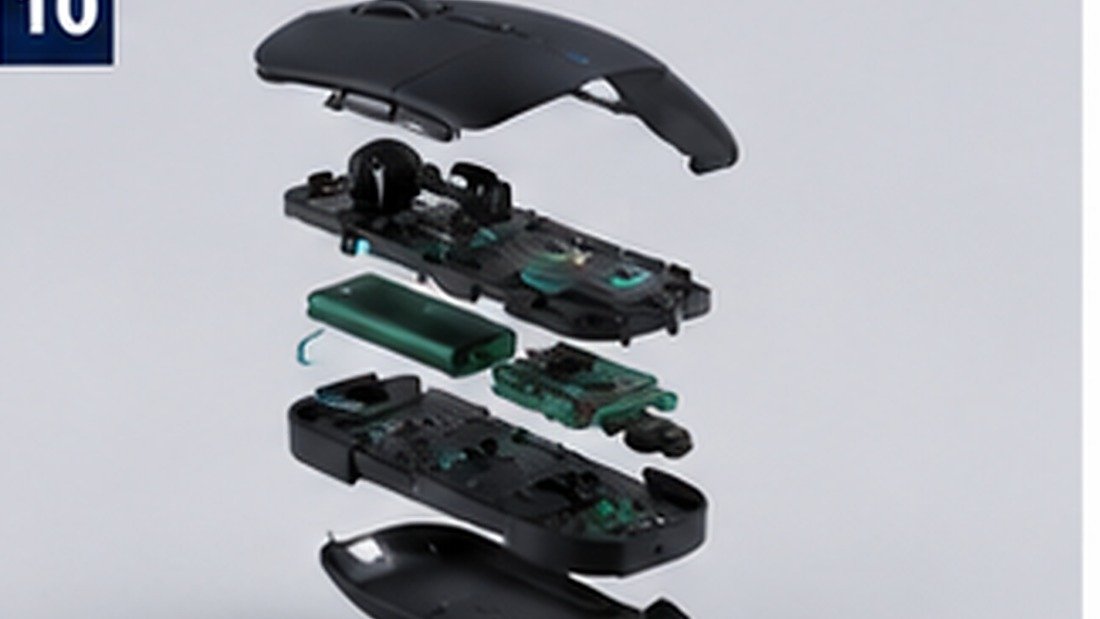
Review materials, button lifespan, and battery type. For wireless models, verify battery life and charging method. Request samples to assess comfort during extended use, as poor ergonomics can reduce adoption.
5. Certification and Compliance
Ask which certifications the product currently holds. Common requirements include CE, FCC, and RoHS, but the exact list depends on destination country and product configuration. Confirm with your supplier and, where necessary, your customs broker.
6. Customization Options
Corporate buyers often need logo printing, custom packaging, and sometimes firmware adjustments (e.g., default language, shortcut keys). Discuss these early, as they affect MOQ and lead time.
7. Supplier Capability and Support
Evaluate the supplier’s OEM/ODM experience, quality-control process, and after-sales support. Ask for references or case studies in similar markets. A supplier with a structured sample-validation process reduces your risk.
Comparison: Traditional Mouse vs. AI Voice Mouse
| Feature | Traditional Mouse | AI Voice Mouse |
|---|---|---|
| Input method | Manual only | Manual + voice |
| Documentation speed | Standard | Potentially faster for dictation |
| Language support | N/A | Depends on software; can be multilingual |
| Integration | Plug-and-play | May require software installation |
| Customization | Limited | Logo, packaging, firmware possible |
| Data privacy | Not applicable | Varies: local, cloud, or hybrid |
Compliance, Language & Data-Security Considerations
Compliance requirements for an AI voice mouse typically depend on the destination market and whether the device includes wireless features. In the Middle East, countries such as the UAE and Saudi Arabia may require specific conformity markings or import permits. Buyers should verify current regulations with local authorities or a compliance consultant. Suppliers can often provide test reports and declarations, but the importer of record remains responsible for ensuring compliance.
Language support is another regional consideration. Arabic dictation quality varies significantly between solutions. Ask for a trial unit and test with your team’s actual speech patterns. If the device uses cloud services, confirm whether data centers are located in the region or elsewhere, and whether that aligns with your data-governance policies.
For more on compliance topics, see the AI Office Productivity solutions page, which outlines how STAR KING approaches deployment in enterprise environments.
Common Mistakes & Buyer Red Flags
Mistakes:
- Relying on a single demo without testing with your own audio.
- Ignoring software update policies, which can affect long-term usability.
- Assuming all certifications are included without written confirmation.
- Overlooking ergonomics, leading to low employee adoption.
Red flags:
- Supplier cannot explain how voice data is processed or stored.
- No clear MOQ or lead time commitment.
- Reluctance to provide samples for validation.
- Vague answers about after-sales support or spare parts.
Buyer Checklist
- Define pilot group and success metrics (e.g., time saved on documentation).
- Request sample units for hands-on testing with Arabic and English audio.
- Confirm software compatibility with your IT environment.
- Review data-security documentation and processing model.
- Verify applicable certifications for your target countries.
- Discuss customization needs (logo, packaging, firmware) and impact on MOQ.
- Confirm lead time, shipping terms, and warranty.
- Plan a staged rollout based on pilot feedback.
FAQ
1. What is the typical MOQ for an AI voice mouse OEM order?
MOQ varies by supplier and customization level. A trial order might start at a few hundred units, while full custom packaging may require higher volumes. Always confirm with your supplier.
2. Does an AI voice mouse work offline?
Some models support offline dictation for certain languages, while others require an internet connection. Check the product specifications for your required languages.
3. How accurate is Arabic voice recognition?
Accuracy depends on the software, microphone quality, and speaker’s dialect. Testing with your team’s audio is the best way to assess performance.
4. What certifications are needed for import into Middle East markets?
Requirements vary by country and product configuration. Common ones include CE and RoHS, but buyers should verify with local authorities. Your supplier can provide available test reports.
5. Can the mouse be customized with our company logo?
Many suppliers offer logo printing or engraving. For large orders, custom packaging is also possible. Discuss options and costs during the quotation stage.
6. How long does production and shipping take?
Lead times typically range from 2 to 6 weeks after sample approval, plus shipping. Factors include order quantity, customization complexity, and destination.
7. Is employee training required?
Most AI voice mice are designed for Plug-and-Play use, but some training can improve adoption. A brief orientation session is often helpful.
Conclusion
An AI voice mouse can be a practical addition to corporate toolkits in the Middle East, especially for multilingual teams handling heavy documentation. The key to a successful procurement is thorough evaluation: test language accuracy, verify compliance, understand data processing, and confirm supplier support. By following the checks and checklist above, procurement teams can run a low-risk pilot and scale with confidence.
Next Step
Ready to evaluate an AI voice mouse for your organization? Request product samples to start a pilot, or contact our team to discuss custom firmware, packaging, and volume pricing.
Useful Official References for Buyers
- FCC equipment authorization guidance
- European Commission CE marking information
- Bluetooth SIG specifications
Discuss Your Smart Wearable OEM/ODM Project
Planning a smart ring, smart watch, smart band, AI glasses, AI translator, or AI voice mouse project? Contact STAR KING to discuss product positioning, sample testing, customization scope, certification requirements, lead time, and quotation details.

Team Star King

Scan WhatsApp QR code